
How to Import Chrome Bookmarks & Safari Reading List Recipes
Turn messy recipe bookmark folders and 40 open browser tabs into a clean, searchable Minichef cookbook with scaling and aisle-sorted grocery lists.
Browser bookmarks folders and 35 open Safari or Chrome tabs are where great recipes go to get forgotten—and every time you reopen one, you still have to scroll past popups, video ads, and autoplaying banners just to check oven temperature.
Method 1: Clear desktop Chrome tabs & bookmarks fast
- Install the free Minichef Chrome extension (no account needed to start clipping).
- Open your bookmarked recipe tabs and click Save recipe in the extension popup to strip ads into clean ingredients and steps locally in your browser.
- Ready to sync to your phone? From My Cookbook at
app.minichef.me, sign in with Apple or Google and bring clipped browser recipes right into your synced iPhone, iPad, and web cookbook.
Method 2: Move Safari Reading List & bookmarks on iPhone or iPad
- Open any bookmarked recipe in Safari on iPhone or iPad.
- Tap the Share icon and choose Minichef (pin Minichef near the top of your Share Sheet, or use Apple Shortcuts for one-tap saving).
- Need a quick preview on another device without signing in? Paste any URL into Just the Recipe for instant distraction-free reading.
Why a cookbook beats bookmark folders
- Ingredient search: Find “what can I make with chickpeas and feta?” across every saved dish—even links originally buried inside nested folders.
- No dead links: Keep your full recipe even if a food blog takes down a post, changes its URL, or shuts down like Yummly or Mealime.
- Instant meal planning & grocery prep: Group bookmarked favorites into folders and let AI Chef draft weekly meals and one aisle-sorted shopping list.
Explore more migration paths in our Apple Notes & Bookmarks hub or Switch to Minichef guide.
Frequently asked questions
Quick answers on workflow, compatibility, and what Minichef supports.
How do I save open recipe tabs from Google Chrome into Minichef without losing my place?
Install the free Minichef Chrome extension (no sign-in required) and click its toolbar icon on each open tab to clip clean ingredients and steps locally, then move up to 50 clipped recipes straight into your synced Minichef account via app.minichef.me.
How do I move Safari Reading List or iPhone bookmarks into Minichef?
Open a bookmarked recipe in Safari on iPhone or iPad, tap Share, and pick Minichef to save an ad-free copy—or paste bookmarked URLs into Just the Recipe at minichef.me/recipe-importer.
Will imported bookmarks keep working if a blog later adds paywalls or shuts down?
Yes. Unlike browser bookmarks that only point to external links, Minichef stores the clean structured recipe text inside your private cookbook—with Markdown, PDF, and full JSON export anytime.
Does moving Chrome bookmarks into Minichef cost anything?
No. Both the Minichef Chrome extension and website URL importing in Just the Recipe and the Minichef iOS app work free to try.
Explore more recipe import methods
Minichef saves recipes from videos, apps, physical cookbooks, and notes:

Instagram Reels & Posts
Save recipes from Instagram videos, reels, and captions.

TikTok Cooking Videos
Extract ingredients and steps from video audio and captions.

Pinterest Recipe Pins
Clip recipe pins directly from your Pinterest boards.
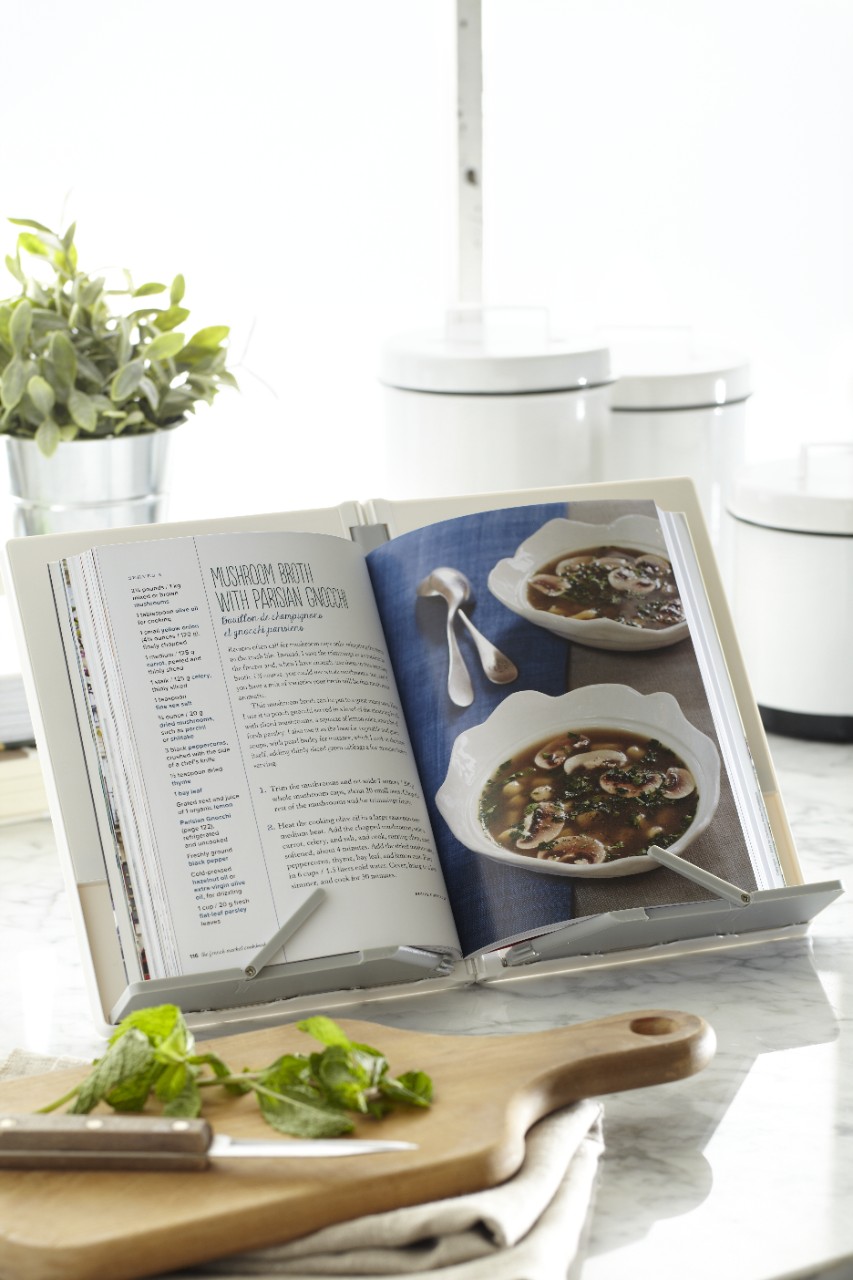
Printed Cookbooks
Scan and digitize physical cookbook pages.
Ready to start cooking?

