
How to Save Recipes from Google Keep
Move scattered recipe notes, pasted links, and checklists out of Google Keep into Minichef for scaling, meal planning, and aisle-sorted grocery lists.
Google Keep is handy for jotting down dinner ideas or pasting links on the fly, yet once you pass 20 recipe notes you still have to manually calculate doubling a recipe, write shopping items over again, and keep your phone screen awake while cooking.
How to move recipes from Google Keep into Minichef
Pick the quickest route based on what is inside each Keep note:
- If the note contains a recipe website link: Open the link in your desktop Chrome browser and click the Minichef Chrome extension — or paste the URL into Just the Recipe — or use the iOS Share button on your iPhone or iPad to save cleanly into Minichef.
- If the note contains typed ingredients & steps: Copy the note text, tap Import inside the Minichef iOS app (or share from Google Keep on iOS to Minichef), and Minichef parses loose text into structured ingredient lines and numbered steps.
- If the note contains a photo or screenshot of a card: Save the image to Photos or import it directly into Minichef to run recipe text recognition.
What unlocks once your recipes leave Google Keep
- Portion scaling & US/metric conversion: Halve recipes for 1–2 people or scale for holiday dinners accurately.
- One weekly grocery run: Drag saved dinners into your weekly meal plan and shop a single aisle-sorted list with pantry check-offs.
- Hands-free Cook Mode: Cook from clean large text with stay-awake display and inline step timers—or link your cookbook to ChatGPT or Claude.
Ready to organize more scattered notes? See How to Move Recipes Out of Apple Notes, Notion & Bookmarks or Switch to Minichef cleanly.
Frequently asked questions
Quick answers on workflow, compatibility, and what Minichef supports.
Why move recipes out of Google Keep into Minichef?
Google Keep stores generic text notes and labels, whereas Minichef structures ingredients and steps so you can scale servings, convert US and metric units, cook in hands-free Cook Mode with built-in timers, search by ingredient, and turn weekly plans into aisle-sorted grocery lists.
What is the fastest way to import a recipe stored in Google Keep?
If the Keep note holds a URL, open the link in Chrome with our free extension, paste it into Just the Recipe (minichef.me/recipe-importer), or share the URL to Minichef on iPhone. If it is typed recipe text, copy the note and share or paste it into the Minichef app to format into clean ingredients and steps.
Can I import screenshots or photos saved inside Google Keep notes?
Yes. Save the recipe image from Google Keep and import the photo in the Minichef iOS app to convert handwritten or photographed recipes into editable digital cards.
Is importing Google Keep recipes free to try?
Yes. Saving from websites, pasted text, photos, and PDFs works free to try on iPhone, iPad, and app.minichef.me.
Explore more recipe import methods
Minichef saves recipes from videos, apps, physical cookbooks, and notes:

Instagram Reels & Posts
Save recipes from Instagram videos, reels, and captions.

TikTok Cooking Videos
Extract ingredients and steps from video audio and captions.

Pinterest Recipe Pins
Clip recipe pins directly from your Pinterest boards.
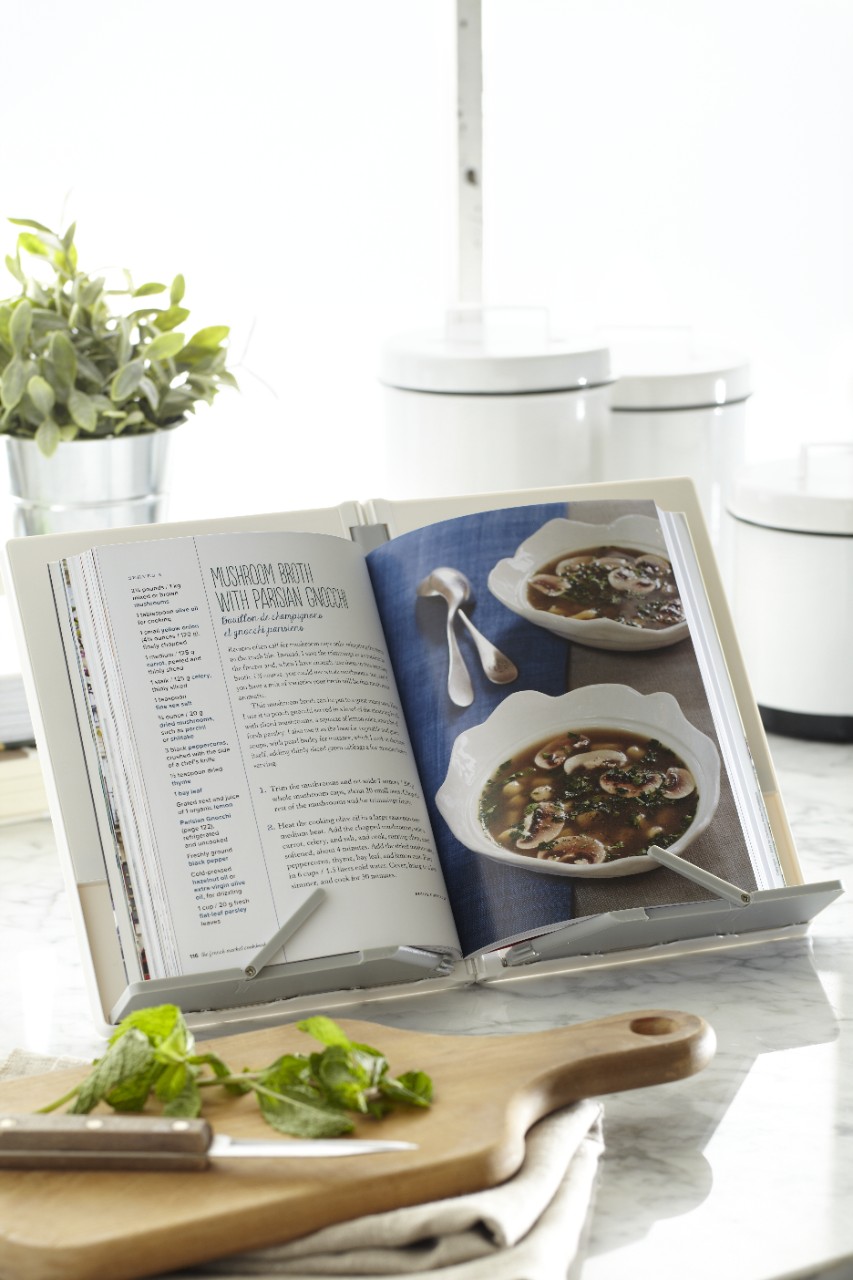
Printed Cookbooks
Scan and digitize physical cookbook pages.
Ready to start cooking?

