
From recipe inspiration to dinner on the table.
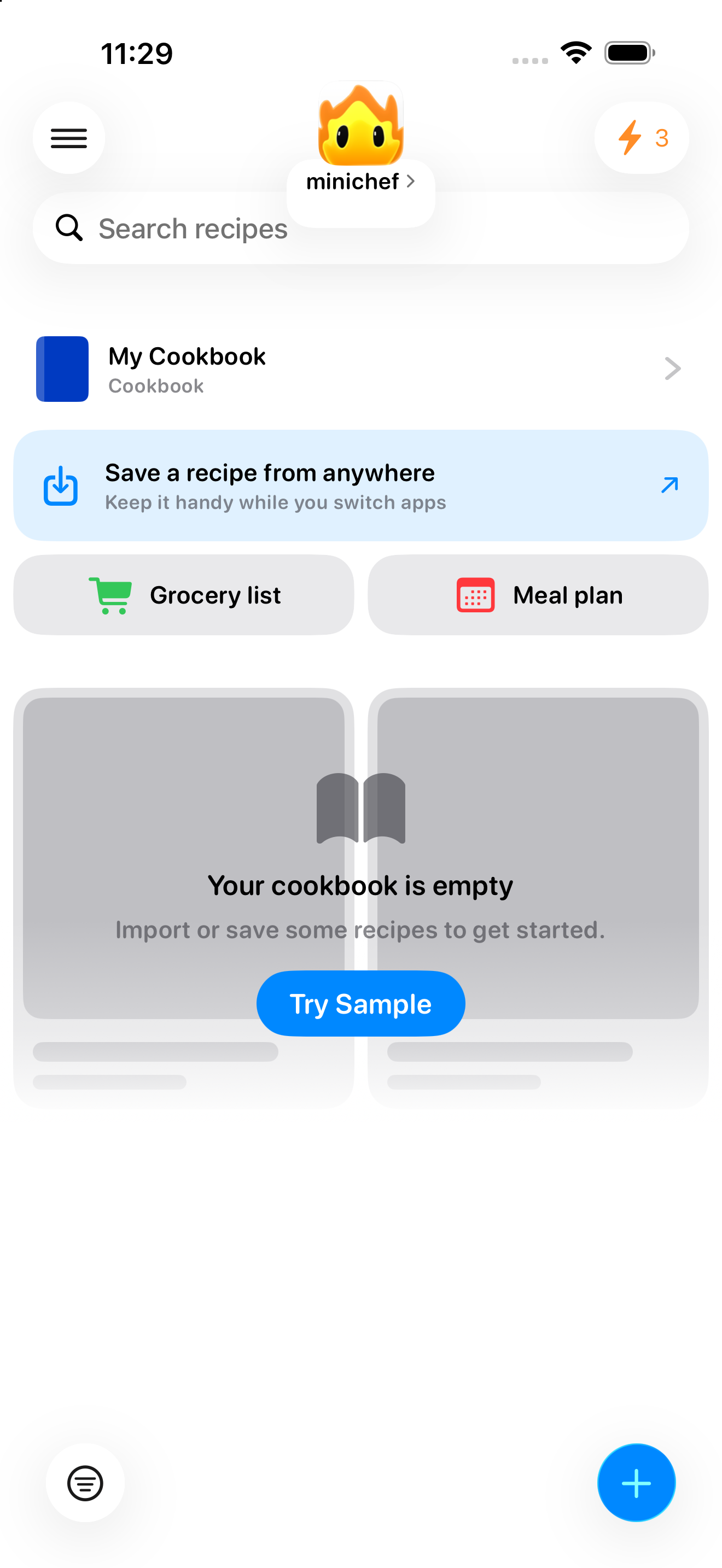
Save recipes from any source, plan weekly dinners, and generate organized grocery lists without typing ingredients manually.


Save recipes from any app, video, or cookbook
Share recipe links directly from Instagram, TikTok, Pinterest, and food blogs, or photograph printed cookbook pages and handwritten cards.
- ✓ Import from Instagram Reels, TikTok, Pinterest, and food blogs
- ✓ Camera scan transcribes physical cookbooks and handwritten family cards
- ✓ Convert recipe PDFs, Apple Notes, and screenshots into interactive cards
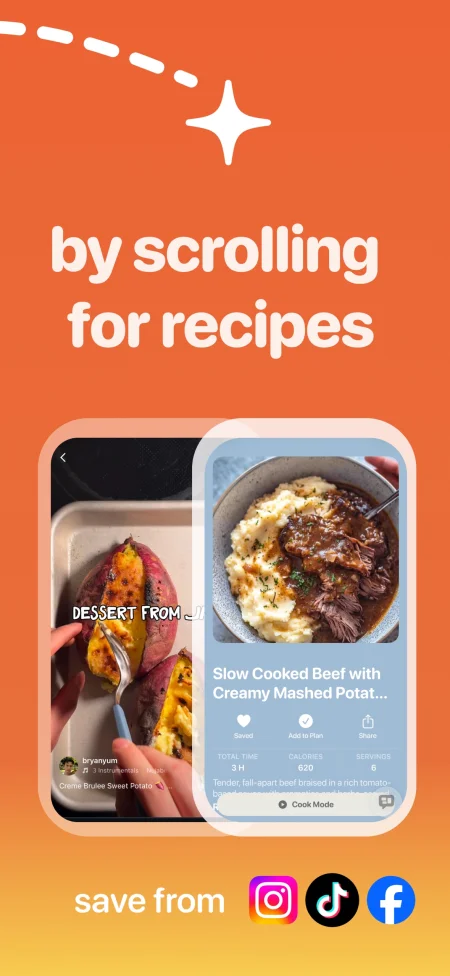
Read clean ingredients and numbered steps
Minichef extracts ingredients, measurements, and cooking steps without ads, popups, or blog filler into a searchable cookbook.
- ✓ Removes ads and popups for distraction-free cooking
- ✓ Scale servings up or down with recalculated quantities
- ✓ Search your entire personal collection by name or ingredient in your fridge
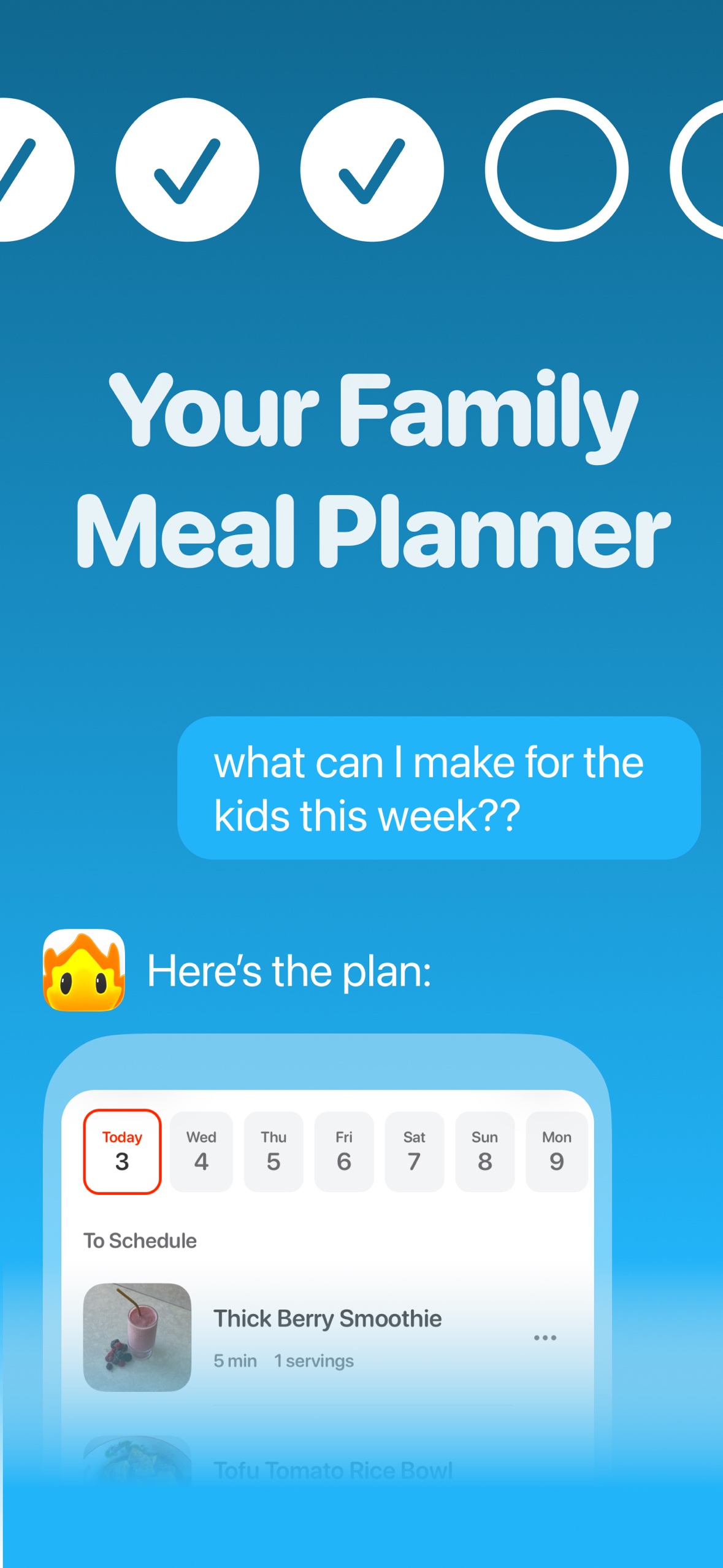
Ask your AI Chef to plan your week
Ask Minichef to plan dinners using recipes already in your collection. Minichef balances variety, accommodates allergies, and builds a schedule for your week.
- ✓ Natural conversational planning: 'Plan 4 easy dinners for a family of 4'
- ✓ Plans meals using recipes in your own collection instead of a static app catalog
- ✓ Swap meals, adjust portions, or lock in favorite dinner nights
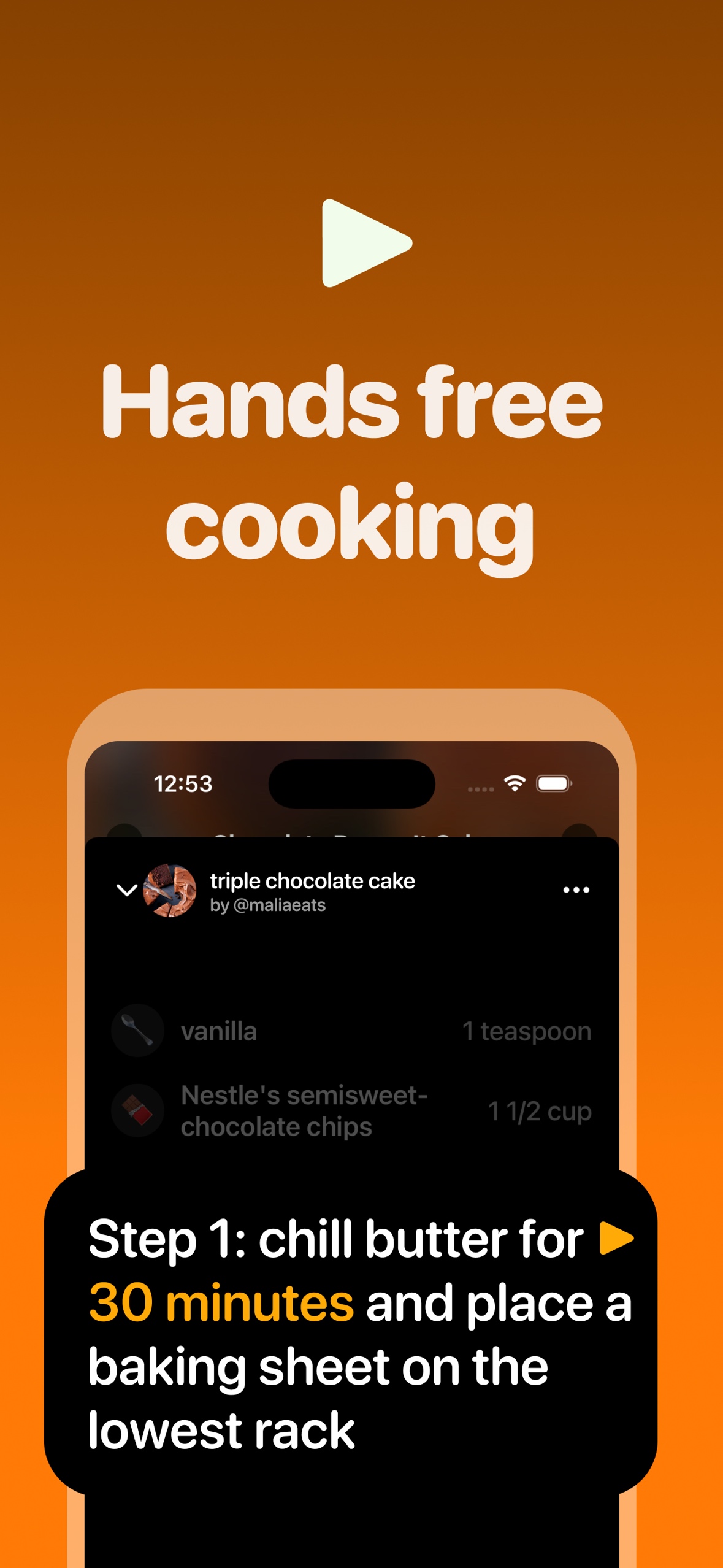
Get aisle-sorted groceries & hands-free cook mode
Minichef combines ingredients across your planned meals into one consolidated grocery list, sorted by supermarket aisle. When it is time to cook, Cook Mode shows large steps with kitchen timers.
- ✓ Ingredients auto-combine (e.g. 1 onion + 2 onions = 3 onions) so you buy the exact quantities needed
- ✓ Organized by grocery aisle (Produce, Dairy, Pantry) to save time in the store
- ✓ Cook Mode displays large steps, keep-awake screen, and built-in kitchen timers
How Minichef compares to standard recipe bookmarking
Compare saving links in browser bookmarks with using a dedicated recipe and meal planning app.
| Workflow | Browser Bookmarks | Minichef |
|---|---|---|
| Ad & popup removal | Ads and popups remain on the page | Clean ingredients and numbered steps |
| Social video extraction | Saves only the web link | Transcribes videos into formatted recipe cards |
| Cookbook & card OCR | No camera or physical card scanning | Camera scan for physical cards and cookbooks |
| Weekly meal planning | Manual planning from scratch | Drafts dinner plans from your saved recipes |
| Grocery lists | Written separately by hand | Combines ingredients and sorts by aisle |
| Cook mode | Standard webpage layout with screen timeouts | Large text, stay-awake screen, and timers |
Frequently asked questions
Common questions about saving recipes, meal planning, and device sync.
Do I have to retype my recipes manually?
No. Share a link from Instagram, TikTok, Pinterest, or Safari, import a .paprikarecipes archive, upload a PDF, or snap a photo of a cookbook or handwritten card—Minichef extracts clean ingredients and steps automatically.
How does the AI Meal Planner choose recipes?
AI Chef prioritizes recipes saved in your own cookbook—respecting your allergies, dislikes, and recent cooking history. Ask for constraints like 'under 30 minutes', 'dairy-free', or 'reuse leftover spinach'.
How does Cook Mode make cooking from my phone or tablet easier?
Cook Mode keeps your screen awake while cooking, uses large distraction-free typography, lets you check off ingredients and steps, and includes built-in kitchen timers triggered directly from recipe steps.
Can Minichef scale servings and convert between US and metric units?
Yes. Scale servings up or down on any recipe card and switch cleanly between US customary and metric units—and scaled amounts carry over into your grocery list.
How does the aisle-sorted grocery list work?
Ingredients across every recipe in your meal plan are merged into one list sorted by supermarket aisle (Produce, Dairy, Pantry, and more), where you can check off items you already own and add household staples.
Can I use Minichef on iPhone, iPad, and desktop?
Yes. Minichef runs natively on iPhone and iPad, syncs with the web cookbook on app.minichef.me, and pairs with our free Chrome extension for one-click desktop capture.
Can I share recipes or our family meal plan with others?
Yes. Generate private web links for any recipe, folder, or meal plan to send to family members, or export recipes as printable PDFs, Markdown files, images, and full cookbook JSON.
Can I connect ChatGPT or Claude to my Minichef cookbook?
Yes. Link ChatGPT or Claude on minichef.me/ai-assistant so your assistant can plan from your actual saved recipes and write directly to your meal plan and grocery list.
Is Minichef free to try?
Yes. Minichef is free to try on the App Store—import from websites, photos, and PDFs, test starter Smart Imports for Instagram and TikTok, and explore meal planning and grocery lists before deciding on Minichef Pro.
Start cooking with Minichef today
Download Minichef on iPhone and iPad to save your first recipe, plan your week, and generate organized grocery lists.