
How to Save NYT Cooking Recipes
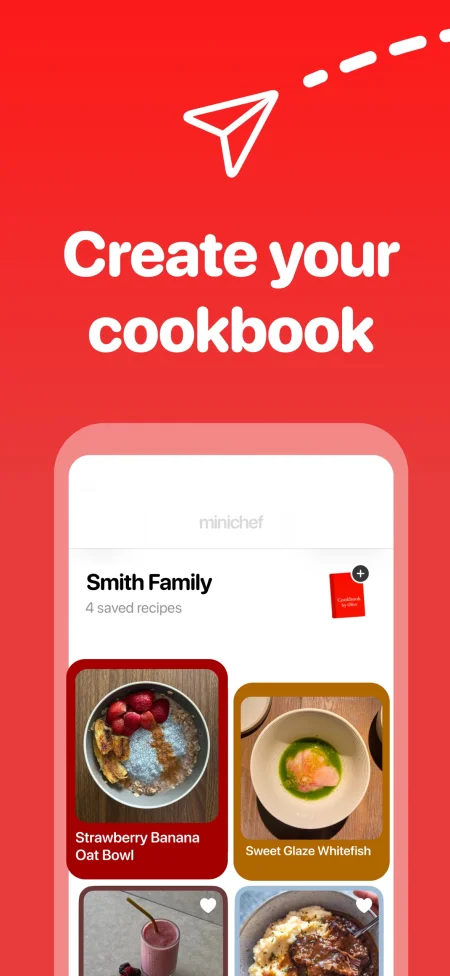
Save New York Times Cooking links, PDFs, or subscriber screenshots into Minichef alongside food blogs, TikToks, and family cards.
NYT Cooking has some of the best tested recipes on the internet, but real home kitchens rarely cook from just one subscription app. Keeping your New York Times Cooking favorites inside Minichef puts them alongside Serious Eats, Instagram Reels, TikTok saves, and grandma’s index cards—all searchable by ingredient and ready for AI meal planning.
3 Ways to Save NYT Cooking Recipes
1. Clip logged-in pages with Chrome Extension (Fastest for subscribers)
When a recipe requires an active NYT Cooking login:
- Open the recipe in desktop Chrome where you are already logged in.
- Click the free Minichef Chrome extension icon to read structured schema/DOM directly from your authenticated tab.
- Send it straight to your cookbook—or keep a local ad-free browser card immediately.
2. Share PDF or full-page screenshot from Safari / NYT Cooking iOS app
- Open the dish in the NYT Cooking app or mobile Safari.
- Tap Share → Minichef on public links, or choose Save PDF / Full-Page Screenshot while logged in and share that file into Minichef Image/PDF Import.
3. Layer your own reader-comment notes
NYT Cooking comments are famous for helpful tweaks (extra garlic, shorter bake times, pan substitutions). Once imported into Minichef, edit the steps or add private kitchen notes directly on your card so you never dig through comments again—and connect ChatGPT or Claude via MCP to plan weeknight menus using those exact staples.
Frequently asked questions
Quick answers on workflow, compatibility, and what Minichef supports.
Why keep NYT Cooking recipes in Minichef alongside other sites?
Keeping NYT Cooking dishes in one personal Minichef cookbook lets you combine them with food blogs, Instagram Reels, TikToks, and handwritten cards—so AI Chef plans across all your favorites and merges groceries.
What if an NYT Cooking page asks for my subscriber login?
Clip directly from desktop Chrome while signed in using our Chrome extension, print/save the recipe as a PDF from Safari on iOS, or share a screenshot into Minichef Image Import.
Can I save personal tweaks and reader-comment adjustments?
Yes. Every saved card in Minichef is editable so you can fold top reader tips—like roasting time or spice adjustments—right into your private copy.
Can I try Minichef free?
Yes. Minichef is free to try on iPhone and iPad, and our Chrome extension and Just the Recipe web extractor are free with no account required.
Explore more recipe import methods
Minichef saves recipes from videos, apps, physical cookbooks, and notes:

Instagram Reels & Posts
Save recipes from Instagram videos, reels, and captions.

TikTok Cooking Videos
Extract ingredients and steps from video audio and captions.

Pinterest Recipe Pins
Clip recipe pins directly from your Pinterest boards.
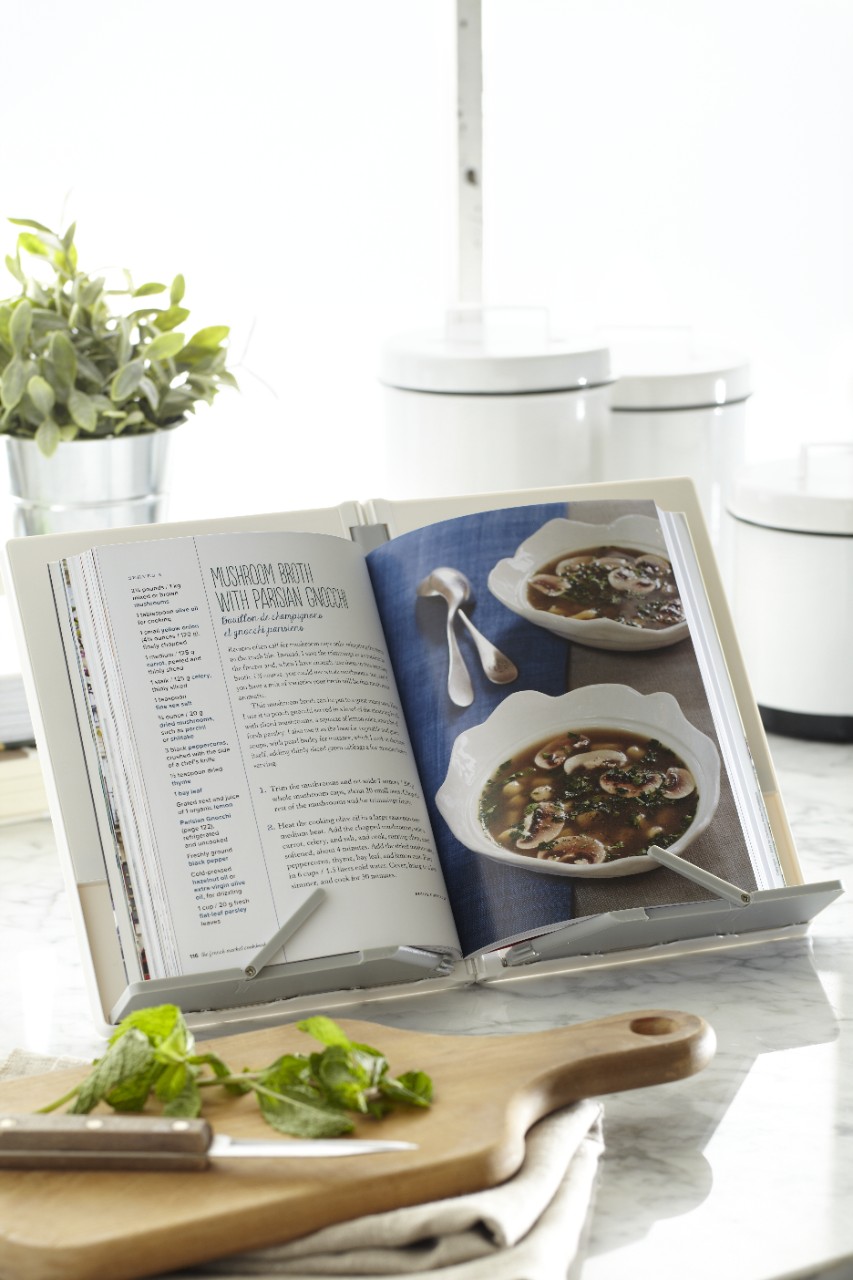
Printed Cookbooks
Scan and digitize physical cookbook pages.
Ready to start cooking?

